Control Plan to Inspection Plan: How We Build the Cascade's Last Document
The Control Plan got its Revision C signature Thursday afternoon. The customer wants dimensional results for Element 9 by Monday. Someone opens a blank inspection plan workbook and starts copying characteristics over from the Control Plan by hand: the bore diameter, the tolerance, the gauge, the sample size, the frequency. Forty rows in, two of them read almost the same thing with different wording, because two different engineers touched this part over two different weeks and nobody was checking for duplicates. The workbook gets cleaned up enough to pass a glance, attached to the package, and the actual measuring starts Monday morning on a plan nobody is fully sure is complete.
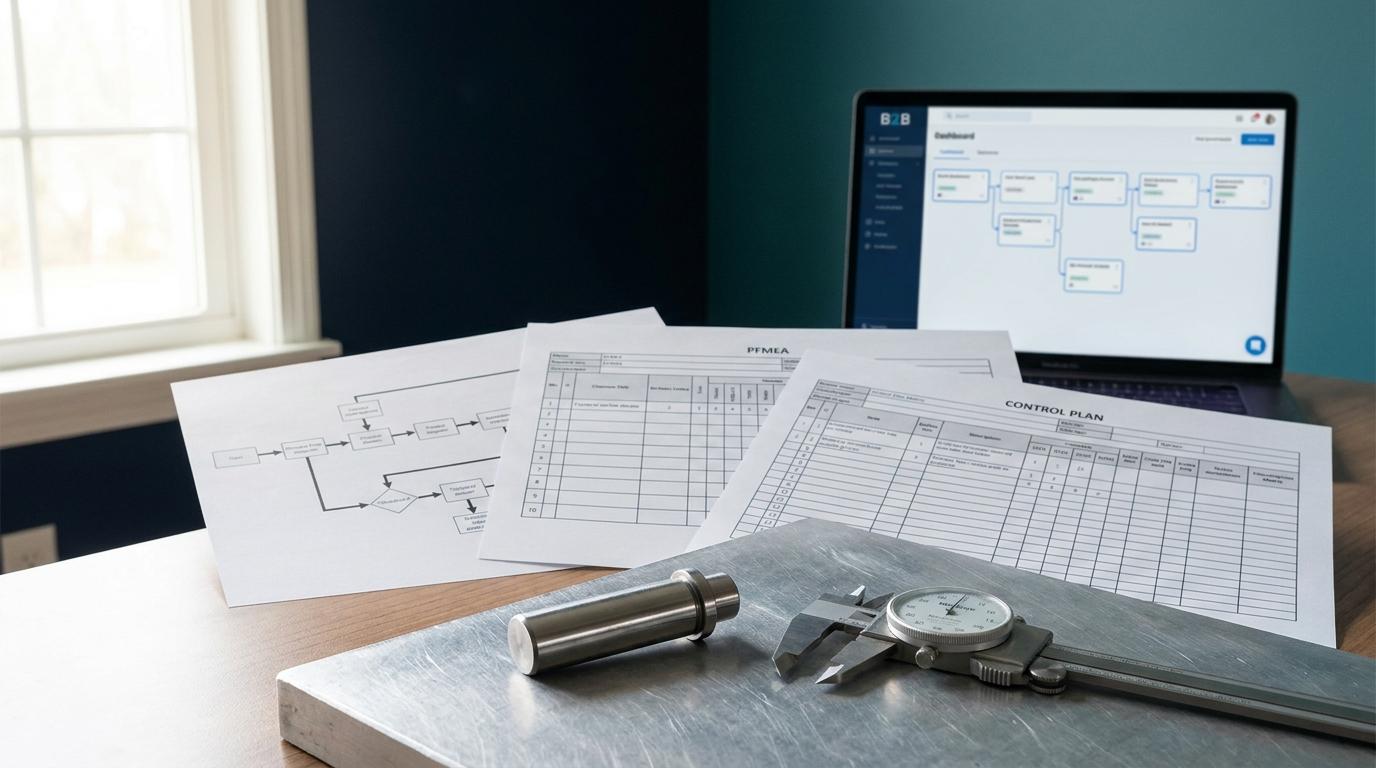
That is the last mile of the document cascade, and it is the one most teams still do by hand even after the Process Flow, PFMEA, and Control Plan are built. PFMEA to Control Plan Linkage covered the first three documents in the chain. This post covers the fourth, the Inspection Plan, why it is built the way it is, and a real bug in one customer's generated output that changed how we ship it.
What the Inspection Plan Has to Produce
The Inspection Plan is not itself a PPAP element. It is the document a team executes to produce one: PPAP Element 9, Dimensional Results. Every characteristic on the Control Plan, Special or Critical or neither, needs a row that says what to measure, what tool measures it, how many pieces per lot, how often, and what a pass looks like. Run that plan against real parts and the measured values become the dimensional results the customer's SQE checks line by line against the print. A characteristic missing from the Inspection Plan does not fail a check at submission time. It shows up three weeks later as a blank cell in Element 9, or a value entered as "OK" instead of a number, which is one of the most common reasons a PPAP comes back rejected.
The gauges named on the Inspection Plan also have to carry acceptable measurement system studies, Element 8. A refractometer with no Gauge R&R behind it does not make a coolant concentration reading defensible no matter how many times a shift takes it. The Inspection Plan is where a team decides which gauge measures which characteristic, and that decision is what Element 8 has to support.
Aerospace suppliers run the same document against a different form number. AS9102 wants its own dimensional results, Form 3, ballooned back to the print one for one. The Inspection Plan is still the thing a team executes to get there, the standard just names the output differently than AIAG PPAP does.
What the Table Itself Costs You
Open a real Inspection Plan and count the columns before you count the rows: process step, item number, characteristic, specification, measurement method, sample size, frequency, acceptance criteria, record type, notes. Ten or more fields per row, which makes it the widest document the cascade produces, wider than the Control Plan it is built alongside. A PFMEA row is a handful of ratings. A Process Flow row is a step name and an input and output. An Inspection Plan row is a small form, repeated once for every characteristic on the part. On a connector assembly with forty or fifty callouts, that is forty or fifty small forms, and every one of them has to agree with the Control Plan row it came from or the auditor finds the mismatch before your own team does.
Four Documents, One Run
The Build module generates the Inspection Plan as the fourth and last step of a single cascade run, in a fixed order: Process Flow, then PFMEA, then Control Plan, then Inspection Plan. Every step in that run gets the same characteristics list, the dimensions and tolerances read off the drawing once at the start, so the bore diameter tolerance that lands on the Control Plan row is the same text that lands on the Inspection Plan row. Nobody retypes it a third or fourth time from a blank tab. Each document records which one it was built from, and the document page shows what came before it and what uses it.
By default the four steps generate independently against that shared characteristics list, which is the faster path. There is a checkbox above the generate button, "Refine earlier docs from later findings," that costs an extra ten to twenty minutes and does something different: it hands each later step a summary of the documents ahead of it, so the Inspection Plan is generated with the Control Plan in view and is less likely to drift from it. It does not go back and rewrite the earlier documents: if the Inspection Plan surfaces a gap, for instance a characteristic the Control Plan listed but gave a vague reaction plan for, you fix the Control Plan yourself. Most first passes do not need that. A part with a messy revision history or a lot of customer-specific requirements usually does.
One characteristic showing up identically on the Control Plan row and the Inspection Plan row is a real, verifiable claim. It does not show up on the Process Flow or the PFMEA, because those two documents work in process steps and failure modes, not dimensional rows. Only the Control Plan and the Inspection Plan carry the characteristic itself.
Declared and Assumed, on a Row You Did Not Write
Some Inspection Plan rows depend on a process fact the platform assumed rather than one your team confirmed, things like a default sample size convention or a standard measurement frequency for a process type. Rows built on one of those defaults carry a visible marker in the document viewer, and a filter shows only the rows that still need a look. There are exactly two words for this, declared, meaning your team told us, and assumed, meaning nobody has confirmed it yet and this is our default. One click confirms or corrects a default from inside the document, and the correction applies to every later document your organization generates, not just this one.
This is not every row on the plan. Only the rows that actually depend on a process fact carry a marker at all. A row built entirely from a dimension and tolerance read directly off the drawing does not need one, because there is no default standing in for something you have not told us.
The Bug That Taught Us to Post-Process the Output
The prompt that generates an Inspection Plan asks for a closed set of two values on every row, attribute or variable, pass-fail data versus measured data. Nothing validated that the model's output actually landed on one of the two. One real customer's generated plan, 155 rows on a part with a long connector assembly process, came back with eleven distinct spellings of those two words scattered across the sheet, things like "Variable," "measured," "quantitative," and "go/no-go" standing in for what should have been one closed set. The same crimp operation showed up five separate times, worded five different ways, because the model treated closely related characteristic descriptions as five distinct rows instead of recognizing they were the same inspection point specified with different words.
That is a real defect in a shipped generator, not a hypothetical one, and it is why every Inspection Plan generation now runs through a post-processing pass before it renders. The pass does two things. First, it coerces every record type onto the closed set: a spelling that clearly means measured data becomes "variable," a spelling that clearly means pass-fail becomes "attribute," and if the wording itself is ambiguous, the pass falls back to reading the specification text for a tolerance marker before finally defaulting to attribute, the safer floor, because calling measured data pass-fail throws away precision and calling pass-fail data measured invents precision that was never there.
Second, it merges near-duplicate rows. Two characteristics count as duplicates when the smaller one's descriptive words are almost entirely contained in the larger one's, so "crimp pull" merges into "wire crimp pull force," while "crimp height" and "crimp width" stay as two separate rows because they share only one word in common. When a merge happens and the duplicate carried a specification that was not identical to the row it merged into, that specification does not get silently dropped. It gets appended to the surviving row's notes as "Also specified as: [text]," because a customer writing the same requirement twice with different numbers is signal, not noise, and it deserves to stay visible instead of vanishing into a cleanup pass. If any of the merged wordings pointed to measured data, the surviving row keeps the more precise "variable" classification rather than the less precise one.
That 155-row plan is the reason this pass exists at all. It is not a hypothetical edge case we designed around in the abstract. It is what happens when a long assembly process gets described by more than one person across more than one revision, which is most real parts, and it is the reason the Inspection Plan that reaches your review is narrower and more consistent than the raw model output that fed it.
What Still Needs an Engineer
None of this closes the Inspection Plan on its own. It is prepared by the software. An engineer reviews it, corrects anything the drawing extraction or the process assumptions got wrong, confirms or corrects the rows still flagged assumed, and signs it the same way they sign a Control Plan or a PFMEA, by role, with a typed signature, a name, and a date. The software does not decide which gauge is acceptable, does not decide a sample size is defensible under a customer's specific requirement, and does not submit anything. It produces the first complete draft from the same characteristics that already built three documents ahead of it, narrowed and deduplicated before an engineer ever opens it, so the Monday morning review starts from a plan instead of a blank workbook.
That is the actual shape of "how we make work easier." Not a document that appears with nobody reading it, a document that starts from the same data as the rest of the cascade instead of a fourth retyping of it, with a known defect fixed instead of hidden.
The Build module generates Process Flow, PFMEA, Control Plan, and Inspection Plan from one set of drawing characteristics, with each document recording what it was built from. Start a 30-day trial, no card required. Bring a part with a drawing already ballooned and see what the cascade produces before you touch a blank tab.