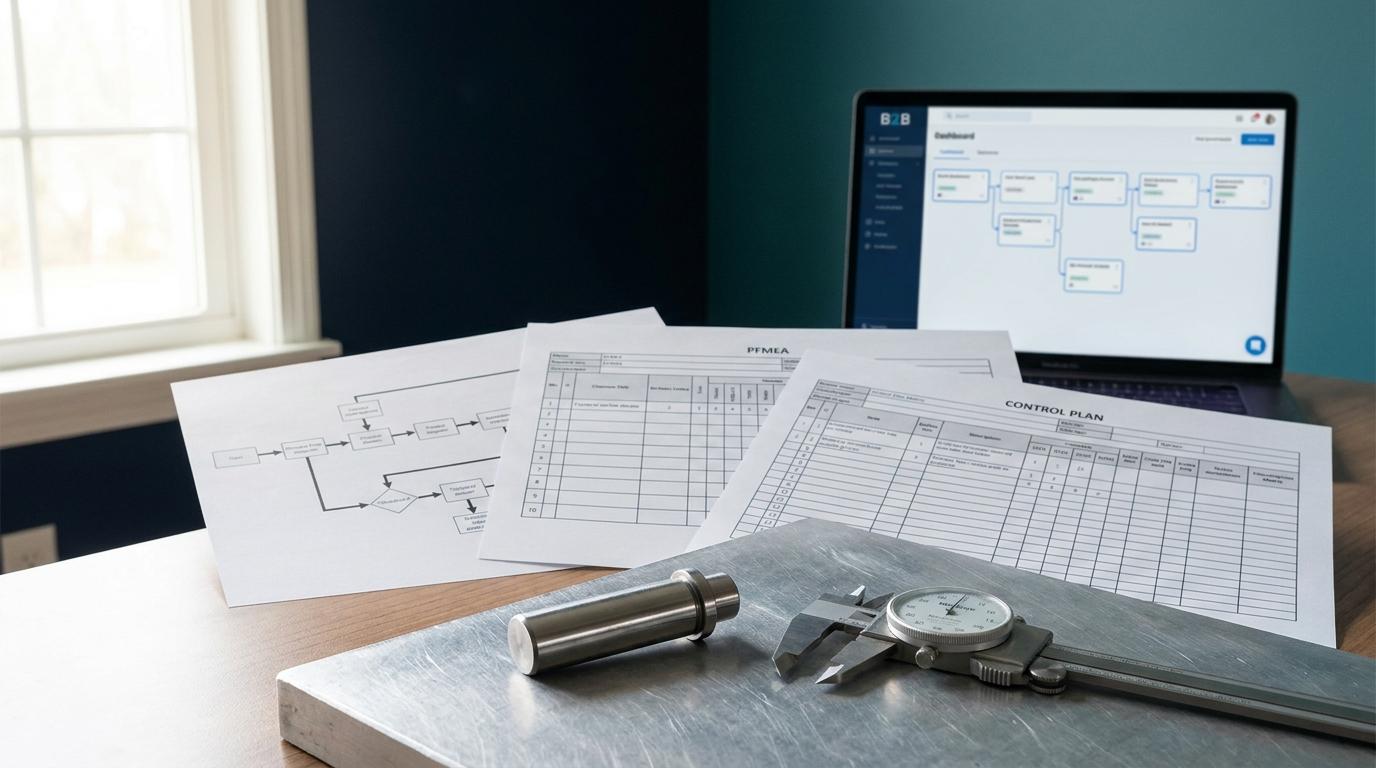
It is Thursday afternoon and your Level 3 PPAP is due to the customer Friday morning. You have the Process Flow open in one window, the PFMEA in another, and the Control Plan in a third. You are reading across all three, line by line, checking that Step 5 in the Process Flow shows up as a failure mode in the PFMEA, that the detection control in the PFMEA matches the control method in the Control Plan, and that the characteristic numbers line up. Halfway down you find one that does not. The PFMEA was revised last week when the press force changed. The Control Plan was built from the revision before that. Now you are re-keying detection ratings and control methods by hand, at 4pm, hoping you catch all of them before the submission goes out.
That afternoon is what we built the document cascade to delete. This post is about how it works, why it is built the way it is, and what specifically comes off your plate when Process Flow, PFMEA, and Control Plan stop being three separate files you keep in sync by proofreading.
The linkage failure is a re-keying failure
"Control Plan does not reflect current PFMEA detection controls" is one of the most common PPAP rejection notes in automotive supplier quality. It is not a competence problem. It is a structural one. The three documents are supposed to be one connected analysis, but in a spreadsheet workflow they are three separate files. Every time one changes, someone has to remember to carry the change into the other two, find the matching row, and retype it correctly.
PPAP treats these as three of its eighteen elements: Process Flow Diagram is Element 5, PFMEA is Element 6, Control Plan is Element 7. A customer reviewing a Level 3 submission compares all three against each other directly. IATF 16949 Clause 8.5.1 requires a documented control plan for the production process, and the same clause set expects that control plan to reflect the risk analysis it came from. When the Control Plan carries a detection method the PFMEA no longer uses, that is an objective-evidence gap the reviewer can see without leaving the binder.
The manual process fails at the seams between documents. So we removed the seams.
One process flow feeds the PFMEA, which feeds the Control Plan
In the Build module, you do not author three documents. You author one process, and the downstream documents are generated from it and stay connected to it.
Here is the exact chain, using the worked example that runs on the Build page:
Process Flow, Step 5, Press Fitting. Operation: hydraulic press at 8.2 kN. Material: 4140 alloy steel. This is where the process is described once.
PFMEA, generated from Step 5. Failure mode: press off-center. Severity 8, Occurrence 4, Detection 6, for an RPN of 192. If you want the ground rules for how a process FMEA is scored, that is its own topic; here the point is where the row comes from. The PFMEA row records its source as PFD Step 5. It did not get typed into a separate file. It is tied to the process step it analyzes, and it knows which step that is.
Control Plan, derived from the PFMEA. Characteristic: press alignment. Classification: SC, the special characteristic designation carried down from the PFMEA. Frequency: every fourth part. Control method: CMM check. The "derived from" field on that Control Plan line reads PFMEA RPN 192. The reason this characteristic is on the Control Plan at all is traceable back to the risk that put it there.
Inspection Plan, derived from the Control Plan. Feature: press alignment. Gauge: CMM. Upper limit +0.05 mm, lower limit -0.05 mm. Reference: Control Plan Rev A.
Four documents, one description of the process. The Process Flow feeds the PFMEA, the PFMEA feeds the Control Plan, the Control Plan feeds the Inspection Plan. You are not reconciling four files. You are looking at one analysis rendered four ways, each view built for the audience that reads it.
Why it is built this way, and not as four linked spreadsheets
We could have shipped four templates with lookup formulas between them. Plenty of quality teams build exactly that, and it works right up until the workbook gets shared, a tab gets copied, a reference breaks, and the formulas silently return the wrong row. The reason the cascade is generative rather than a set of cross-references is that the linkage has to survive editing.
Three design decisions follow from that.
The RPN drives what lands on the Control Plan. The Control Plan is not a fresh list of things to measure. It is the set of controls the PFMEA said were needed, carried forward with the risk number that justified each one. When a reviewer asks why press alignment is checked every fourth part, the answer is on the line: RPN 192, special characteristic. The Control Plan inherits its logic from the analysis instead of restating it from memory.
Special characteristic classification propagates, it does not get re-declared. A special characteristic identified in the PFMEA carries its SC designation down into the Control Plan and the Inspection Plan automatically. This is exactly the propagation reviewers check under the customer-specific requirements that flow down from most OEMs. In a manual workflow, a characteristic gets flagged SC in the PFMEA and then somebody forgets to mark it SC in the Control Plan. The cascade does not forget, because the classification is one attribute of one characteristic, not three copies of the same fact.
Severity never moves downstream, detection and occurrence do. Severity is a property of the failure effect and does not change because you added a control. Occurrence and detection are what controls act on. The cascade respects that. When you add or strengthen a control, the model lets occurrence and detection change and holds severity fixed, which is the AIAG-VDA inherited-severity rule most manual PFMEA-to-Control-Plan handoffs get wrong under deadline.
Feedback also runs backward: 8D findings return to the living documents
The cascade is not a one-way export. When something fails in production and you run the corrective action, the finding flows back into the documents it should update.
Take the same press example. An 8D investigation in the Correct module finds the root cause: the press fixture was worn. That is not just a closed CAPA. The detection rating on the PFMEA row updates from 6 to 3, because the new gauging catches the off-center condition it used to miss, and a new control is added to the Control Plan to keep it caught. The documents that describe how you control the process now reflect what you actually learned when it went wrong.
This is the difference between a CAPA that closes and a CAPA that changes anything. In most systems the 8D lives in its own folder and the PFMEA it should have updated sits untouched until the next annual review. Here the finding propagates into the living documents, and the next PPAP submission reflects it without anyone re-opening three files to transcribe the change.
Revision lineage is what actually kills the "built from an old revision" kickback
Go back to the Thursday-afternoon problem. The Control Plan was built from an older PFMEA revision, and nobody could see that until the customer's reviewer laid the two side by side.
Every document in the cascade carries its lineage. The Control Plan line in the example references Control Plan Rev A, and it knows which PFMEA revision it was derived from. When the PFMEA changes, the documents downstream of it are not silently stale. The connection between revisions is tracked, so the question "was this Control Plan built from the current PFMEA" has an answer you can read, instead of an answer you have to reconstruct by comparing rows at 4pm.
That is the whole point of full lineage tracking across every revision. It is not a compliance feature bolted on for auditors. It is what makes the alignment hold by construction. The reviewer's cross-check between Element 5, Element 6, and Element 7 passes because the documents were never allowed to drift apart, not because you caught the drift in a final proofread.
What comes off your plate
Concretely, here is the manual work the cascade removes:
- You stop re-keying detection ratings and control methods from the PFMEA into the Control Plan.
- You stop re-declaring special characteristics in each downstream document and hoping you did not miss one.
- You stop the line-by-line three-way reconciliation before every submission.
- You stop discovering, at the customer's review, that a document was built from a superseded revision.
- You stop treating a closed 8D as the end of the work instead of a change your living documents should carry.
What you keep is the engineering judgment: what the failure modes actually are, what severity a customer will assign to an effect, whether a control is capable of catching what it claims to. The cascade does not make those calls for you. It removes the transcription and reconciliation that sat on top of them and ate the afternoon.
When the package is ready, the Package module runs the same eighteen elements through gap analysis and cross-document validation before you submit, so the alignment the cascade maintained gets checked one more time against what a customer reviewer looks for. If you run this across a supplier base, the supplier quality tools apply the same document discipline to the packages coming in from your suppliers, not just the ones going out.
The standard did not change. The workflow did.
None of this relaxes the requirement. IATF 16949 Clause 8.5.1 still wants a documented control plan tied to your process and your risk analysis. PPAP still wants Elements 5, 6, and 7 to agree. AIAG-VDA still wants severity fixed and detection earned. The cascade is not a shortcut around any of that. It is the requirement, built so that meeting it does not depend on a human remembering to carry every change across three files under deadline.
You can see the cascade run on the Build module page, or start a 30-day trial with no credit card and cascade your own process flow into a PFMEA and Control Plan to watch the linkage hold when you change something upstream.
FAQ
What is PFMEA to Control Plan linkage?
It is the requirement that every control on your Control Plan traces back to a failure mode and detection rating in your PFMEA, and that every special characteristic identified in the PFMEA is carried into the Control Plan. PPAP reviewers check this by comparing Element 6 (PFMEA) against Element 7 (Control Plan). When a Control Plan control does not match the current PFMEA, the submission gets kicked back.
Why do Control Plans fall out of sync with PFMEAs?
In a spreadsheet workflow the two are separate files. When one changes, someone has to manually carry the change into the other, find the matching row, and retype it. The failure happens at the seam between documents, usually when a PFMEA is revised and the Control Plan is not updated to match, or is rebuilt from an older PFMEA revision.
How does QualityEngineer.ai keep the Control Plan aligned with the PFMEA?
The Control Plan is generated from the PFMEA rather than authored separately, so each control carries the RPN and special characteristic classification that justified it. Documents track their revision lineage, so a Control Plan knows which PFMEA revision it came from and does not go silently stale when the PFMEA changes. See the Build module.
Does severity change when you add a control?
No. Severity is a property of the failure effect and does not change because you added a detection or prevention control. Only occurrence and detection change. The cascade holds severity fixed when you add controls, which is the AIAG-VDA rule most manual PFMEA-to-Control-Plan handoffs violate.
What happens to the PFMEA when a CAPA closes?
When an 8D or other corrective action finds a root cause, the finding flows back into the PFMEA and Control Plan. A detection rating can drop as new gauging is added, and a new control can be added to the Control Plan. The living documents reflect what the investigation learned instead of the CAPA sitting in a separate folder. This runs through the Correct module.
About the Author
Daniel Crouse is the founder of QualityEngineer.ai and has spent 15+ years in supplier quality, PPAP, and manufacturing systems. He built QualityEngineer.ai because quality engineers deserve better tools than Excel.