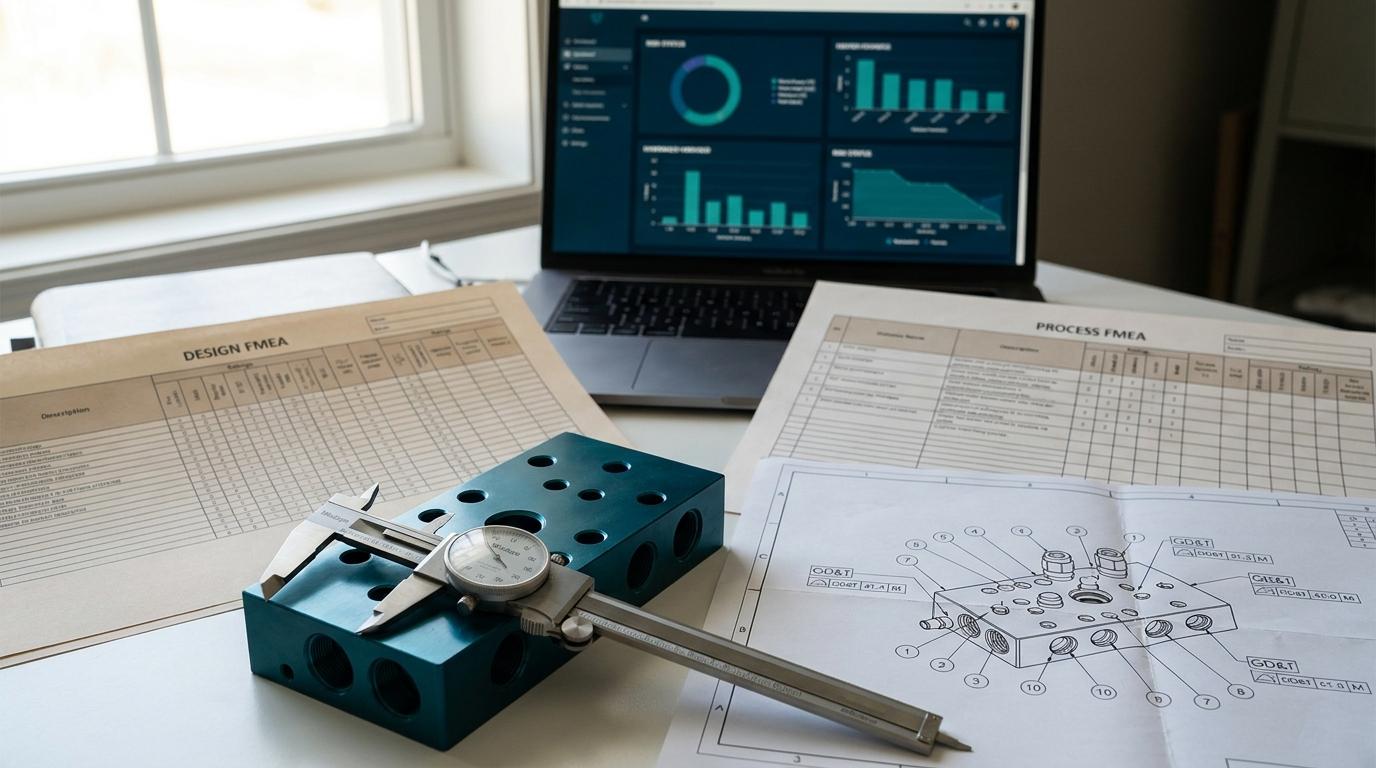

A Process FMEA gets opened on a Monday morning. Three engineers worked the workbook over the weekend. The Severity column on the heat treat operation now has two different values for what should be the same effect, the Action Priority on the OP-30 critical bore characteristic still reads as a calculated RPN from the old template, and someone added a new process step at OP-25 in the Process Flow that does not appear in the PFMEA at all. The Control Plan, exported from the previous PFMEA revision, is sitting in a separate folder, frozen at last week's state.
This is not a failure of engineering. It is a failure of the tool. A spreadsheet, even a very good template, cannot enforce that the Process Flow, PFMEA, and Control Plan agree with each other. It cannot enforce the AIAG-VDA 2019 Action Priority logic. It cannot tell you that the OP-25 step is missing. It is a grid of cells, and the connections between cells are whatever discipline the team carries that week.
PFMEA software exists because the methodology that AIAG-VDA published in 2019 is no longer expressible as a worksheet. This post covers what changed, why a template is now the wrong starting point for most automotive suppliers, and how to evaluate whether dedicated PFMEA software is the right move for your team.
The 2019 Shift That Broke the Template
The AIAG and VDA harmonized FMEA Handbook (1st Edition, 2019) replaced the AIAG 4th Edition methodology that had governed automotive PFMEAs for two decades. The change most engineers know about is the move from RPN (Risk Priority Number, Severity x Occurrence x Detection) to AP (Action Priority).
That single change is the one that broke the template.
RPN was a single integer. You could compute it in one spreadsheet cell. You could sort by it, color-band it, and use it to triage actions. The whole point of the template was that the RPN column was self-contained.
Action Priority is not a number. It is a categorical rating (High, Medium, Low) derived from a three-dimensional lookup table that maps Severity, Occurrence, and Detection ranges to a priority class. The 2019 handbook publishes the lookup table directly. There are five Severity bands, five Occurrence bands, four Detection bands, and the AP outcome depends on the specific combination, not on a multiplied product.
A spreadsheet can implement the AP lookup with nested IF statements or a VLOOKUP into a hidden tab. It works mechanically. What it does not do, and cannot do without external scripting, is keep the AP rating consistent when the Severity column is edited in one row and not in similar rows that describe the same effect. It also does not propagate the AP rating to the Control Plan, which is where the AP value is supposed to drive monitoring decisions.
The 2019 handbook also introduced a structured seven-step methodology (Planning, Structure Analysis, Function Analysis, Failure Analysis, Risk Analysis, Optimization, Results Documentation) that expects function trees, structure trees, and failure chains to be modeled explicitly, not buried in free-text columns. Templates do not model trees. They model rows.
For PFMEAs scoped tightly enough to fit a single workbook, this all still works. For PFMEAs that span a multi-station line, an assembly plus its sub-process, or a family of similar parts where most of the analysis should be reusable, the template approach starts producing inconsistent risk assessments and missing propagation almost immediately.
What Spreadsheet PFMEA Looks Like in Practice
A typical Excel PFMEA workbook in an automotive supplier today has:
- A worksheet per program, or per part family, copied from a customer template or an AIAG sample
- Hidden tabs for the Severity, Occurrence, Detection, and Action Priority lookup tables
- Free-text columns for Process Function, Failure Mode, Failure Effects, Causes, Current Process Controls Prevention, Current Process Controls Detection
- An RPN column that the team has either repurposed for AP or left in place alongside an AP column the customer requires
- Action items tracked in a column or in a separate tab, with no linkage to the originating row when revisions land
- A revision history tab that captures what changed at the workbook level, not at the failure-mode level
The worst part is what the workbook does not contain. It does not contain the Process Flow it is supposed to mirror. It does not contain the Control Plan it is supposed to feed. The connection between Process Flow OP-30, PFMEA OP-30, and Control Plan OP-30 is enforced only by manual rekeying. When OP-30 splits into OP-30A and OP-30B mid-program because the line layout changed, the rekeying happens three times, in three workbooks, by three different engineers, on three different days.
This is the failure mode the 2019 handbook was reacting to. The harmonized methodology demands a structured, traceable analysis. The template approach can satisfy the handbook on a single program. It cannot satisfy the handbook across a portfolio.
What PFMEA Software Does Differently
Purpose-built PFMEA software is not a better workbook. The structural difference is that the PFMEA, the Process Flow it derives from, and the Control Plan it feeds are connected by data, not by file copies.
Action Priority Computed Structurally
The AP rating is derived from the Severity, Occurrence, and Detection values via the AIAG-VDA 2019 lookup table, applied identically to every row. When a Severity rating is changed, every row sharing that effect updates. When the AP outcome changes, the Control Plan monitoring level the AP is supposed to drive is flagged for review. The lookup is not a hidden tab that an engineer can edit by mistake. It is the methodology, enforced as a constraint.
Process Flow to PFMEA to Control Plan Cascade
A new process step added to the Process Flow appears in the PFMEA as a new row scaffold. A Special Characteristic identified on the Process Flow appears as a tagged characteristic in the PFMEA failure analysis and as a monitored characteristic in the Control Plan. A revision to a Cause in the PFMEA propagates to the corresponding control in the Control Plan.
This is the cascade pattern that defines APQP and PPAP software (covered in APQP Software vs Spreadsheets and PPAP Software), applied specifically to the FMEA family. The output is a set of three documents that share data, so they cannot disagree by accident.
Function and Structure Trees as First-Class Objects
The 2019 methodology expects the analysis to be organized as a structure tree (system, sub-system, component, process step) with function trees attached. PFMEA software stores these as graph objects. A function defined at the system level can be referenced by failure modes at the component level without copying the text. When the function definition is updated, every failure analysis that references it inherits the change.
A spreadsheet stores all of this as repeated text in cells. When the function description changes, the engineer searches and replaces, and hopes nothing was paraphrased.
Reusable Generic PFMEAs
Most suppliers build similar parts in similar ways. The PFMEA for a transmission housing has 70 percent overlap with the PFMEA for a differential housing built on the same line. PFMEA software supports a generic PFMEA, sometimes called a foundation FMEA or family FMEA, that captures the shared analysis. New programs inherit the generic and add only the program-specific delta.
In a spreadsheet, the equivalent is copying the workbook and editing in place. The shared analysis drifts apart over years. By the time the lessons learned from a 2024 program would have improved a 2026 program, the connection is gone.
IATF 16949 Alignment
IATF 16949 Clause 8.3.5 (Design and development outputs) specifies that PFMEA, Process Flow, and Control Plan must be developed and maintained as part of the product realization process. Clause 8.3.6 (Design and development changes), reinforced by the supplemental Clause 8.3.6.1, requires that changes to design and development outputs be identified, reviewed, and controlled to prevent adverse impact on conformity.
The clause text is short. The audit reality is that auditors look for evidence that a change to one output (a Process Flow revision, for example) was reflected in the others (the PFMEA and the Control Plan), with traceable evidence of the review. PFMEA software produces this evidence as a side effect of the cascade. Spreadsheet PFMEA produces it as a checklist exercise the night before the audit.
Action Tracking Tied to Failure Modes
The 2019 handbook makes Optimization (Step 6) a structured part of the methodology, not an appendix. Recommended actions, action owners, target dates, and verification of effectiveness are linked to the specific failure mode they address. PFMEA software tracks actions as records linked to the originating failure mode. When the failure mode is revised or removed, the action history follows. When an action is verified effective, the Detection or Occurrence rating updates, and the AP recalculates.
A spreadsheet column captures the action text. It does not capture the link, the verification, or the rating impact.
Feature Comparison
| Capability | Excel PFMEA Template | PFMEA Software |
|---|---|---|
| Action Priority lookup (AIAG-VDA 2019) | Hidden tab or formula | Methodology constraint |
| Process Flow to PFMEA propagation | Manual rekey | Structural cascade |
| PFMEA to Control Plan propagation | Export and reconcile | Live linkage |
| Function and structure trees | Repeated cell text | Graph objects |
| Generic / family PFMEA reuse | Copy and edit | Inheritance |
| Special Characteristic tagging | Free-text | Tagged characteristic |
| Action tracking linked to failure mode | Separate tab | Linked record |
| Revision history at row level | Workbook-level only | Per failure mode |
| Multi-engineer concurrent edit | File-locking / merge conflicts | Concurrent edit |
| Audit traceability for changes | Manual reconstruction | System log |
A Concrete Example: Action Priority Drift
A Tier 2 supplier producing a machined aluminum housing runs three active PFMEAs across three programs on the same line. Severity ratings for "loss of clamping force at OP-30 leading to dimensional non-conformance" should be identical across the three programs because the failure effect on the customer is identical: a non-conforming bore diameter that fails at end-of-line gauging.
In the spreadsheet world, here is what happens over six months. Program A, originally drafted by Engineer 1, has Severity 7. Program B, drafted by Engineer 2 working from a customer template, has Severity 8. Program C, started during a deadline crunch, has Severity 7 in the worksheet but Severity 9 written into the action item rationale because the engineer was thinking about a recent field complaint.
Customer audit lands. Auditor asks why the same effect, on the same line, with the same downstream gauge, has three different Severity values. The supplier cannot defend it. The audit finding is structural inconsistency in the FMEA library. The corrective action is a six-week reconciliation effort across all three programs.
PFMEA software prevents this by binding the Severity value to the effect, not to the row. Once "loss of clamping force at OP-30" is defined as an effect with Severity 7, every program that references that effect inherits the value. An engineer who believes the value should be 8 must propose the change at the effect level, where it is reviewed and propagates everywhere consistently or nowhere.
This is the propagation problem the 2019 handbook was written to address. Templates cannot solve it because templates do not have a concept of "the same effect referenced from multiple programs." They have only rows.
When to Switch from Templates
A template-based PFMEA is the right answer for some teams. If your organization runs one or two PFMEAs per year, your customers do not perform structural cross-document audits, and your team is one or two engineers who own the workbook end to end, the change cost of moving to dedicated software may not be justified.
The signals that the switch is justified:
- Customer audit findings citing inconsistent Severity, Occurrence, or Detection ratings across PFMEAs in the same product family
- More than three simultaneous active PFMEAs at any time
- A PPAP rejection where Element 6 (PFMEA) and Element 7 (Control Plan) revisions did not align
- Difficulty answering "show me every PFMEA where this gauge is referenced as a Detection control" in less than half a day
- Action items closed without a corresponding rating update on the originating failure mode
- A team where multiple engineers edit the PFMEA on overlapping programs and merge conflicts in shared workbooks are routine
- Generic PFMEAs that have drifted to the point where they no longer serve as a starting baseline for new programs
The economic case is straightforward once a structural audit finding lands. The reconciliation cost of bringing a drifted PFMEA library back into alignment, in engineer hours plus customer relationship friction plus the risk of a follow-up audit, typically exceeds the annual cost of dedicated software by a wide margin. The change-management work, building the function and structure trees, defining the shared effects, training the team on the seven-step methodology as software workflow rather than a worksheet exercise, is the harder part.
How QualityEngineer.ai Handles PFMEA
The Build module is QualityEngineer.ai's PFMEA, Process Flow, and Control Plan workspace. It is built around the AIAG-VDA 2019 seven-step methodology and the cascade pattern described above.
When a Process Flow step is added, the PFMEA gains the row scaffold automatically. When a Special Characteristic is identified on the Process Flow, it propagates to the PFMEA failure analysis and to the Control Plan as a monitored characteristic. Severity, Occurrence, and Detection values bind to defined effects, causes, and controls, so the Action Priority rating is consistent across every program that references them. Action items are linked to the failure mode they address, with verification of effectiveness driving rating updates.
For teams new to the AIAG-VDA 2019 methodology, the Process FMEA Practical Guide covers the seven-step structure, the AP lookup, and the most common audit findings on PFMEA scope and content. For teams working through the downstream Control Plan questions, Control Plan in Manufacturing covers what goes in the Control Plan and how it ties back to the PFMEA characteristics.
When the PFMEA feeds a PPAP submission, the Package module handles the cross-element validation between PFMEA, Control Plan, MSA, and capability studies. The handoff from Build to Package is structural, not a manual export.
Summary
The shift from RPN to Action Priority in the AIAG-VDA 2019 FMEA Handbook is not a notation change. It is the methodology stating that risk in a Process FMEA is multidimensional, that the analysis must be traceable, and that the connections between Process Flow, PFMEA, and Control Plan must be live. Templates can mimic the AP lookup. They cannot enforce the connections.
PFMEA software solves this by treating the Process Flow, PFMEA, and Control Plan as a connected document family. Special Characteristics propagate. Severity, Occurrence, and Detection bind to defined effects, causes, and controls so the AP rating is consistent across every program that references them. Generic PFMEAs serve as inheritance baselines. Action tracking is linked to the failure mode that triggered it.
For teams running more than one PFMEA at a time, in environments where customer audits and PPAP submissions check structural consistency rather than only individual row content, the question is not whether PFMEA software is worth it. It is when the next audit finding will make the case for you.
QualityEngineer.ai's Build module implements the AIAG-VDA 2019 PFMEA methodology with live Process Flow, PFMEA, and Control Plan cascade. Start free, no credit card required.
About the Author
Daniel Crouse is the founder of QualityEngineer.ai. 15+ years in supplier quality, PPAP, and manufacturing systems. Built QualityEngineer.ai because quality engineers deserve better tools than Excel. Connect on LinkedIn.