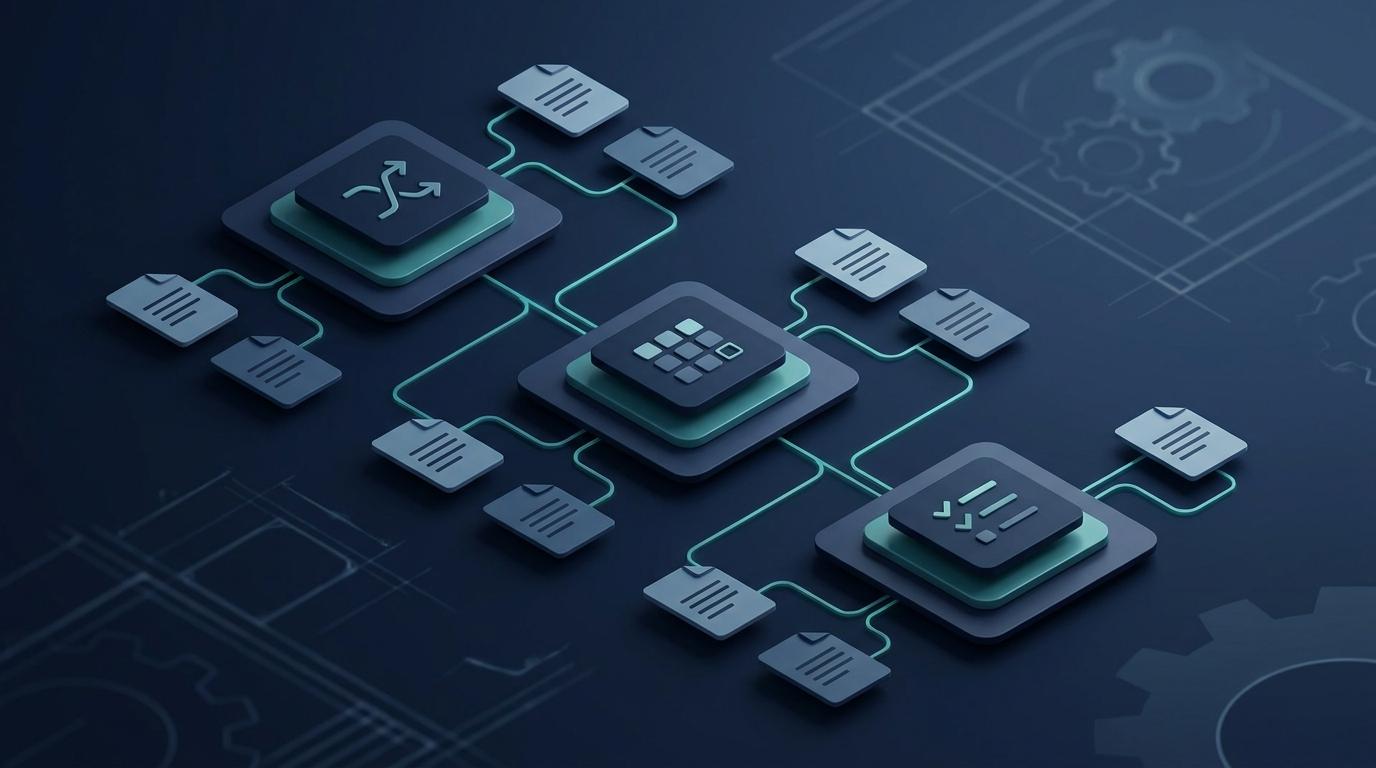

Every quality team that manages APQP programs eventually builds the same spreadsheet. It tracks the five phases, lists the deliverables, assigns owners, and has a column for status. For one program, it works. At two, it strains. At three or more simultaneous launches, it becomes the thing that keeps your program manager up at night.
This post covers what actually breaks down when you manage APQP on spreadsheets, what dedicated software handles differently, and how to decide when the complexity of your launch pipeline justifies the switch.
The Spreadsheet APQP Setup Most Teams Use
Before getting into what breaks, it is worth being specific about what spreadsheet APQP actually looks like in practice, because teams do not use a single sheet.
A typical setup involves:
- A master tracking spreadsheet with phase gates, milestone dates, and deliverable status per program
- Separate workbooks for each deliverable category: Process Flow, PFMEA, Control Plan, process capability studies
- A shared folder structure (usually SharePoint or a network drive) with versioned folders per program
- A PPAP tracker that references files by location rather than by data connection
The problem is not that spreadsheets are bad tools. It is that APQP is not a tracking problem. It is a document connection problem. The five APQP phases are not just milestones to check off. They generate outputs that feed into later phases. When Phase 2 Process Flow changes, Phase 3 PFMEA should update to reflect the change. When PFMEA risk ratings change, Control Plan monitoring requirements should follow. In a spreadsheet environment, none of these connections exist. Each document lives independently, and synchronization requires manual intervention at every step.
Where Spreadsheet APQP Fails
Version Control at Scale
One program, one engineer, one set of files: version control is manageable. Add a second engineer, a second simultaneous program, and a customer change notice on the first program mid-launch, and the problem compounds.
The typical failure mode: an engineer exports a Control Plan from the PFMEA at Phase 3 review. Six weeks later, after three PFMEA revisions prompted by DV test failures, the Control Plan is still on revision A. The PFMEA is on revision D. No one updated the connection. The Control Plan that goes into the PPAP package reflects a design and process that no longer exists.
IATF 16949 Clause 8.3.6 (Design and development changes), reinforced by the supplemental Clause 8.3.6.1, requires that changes to design and development outputs be identified, reviewed, and controlled to prevent adverse impact on conformity. In a spreadsheet environment, that control depends entirely on individual discipline. Software enforces it structurally.
Milestone Visibility Across Programs
A program manager running three simultaneous launches needs to know today which programs are at risk of missing their first production gate. In a spreadsheet environment, getting that answer requires opening three files, reading three status tabs, and manually synthesizing the risk picture.
This is the visibility problem. It is not unsolvable, but it consumes time that program managers and quality engineers do not have during a high-activity launch window. Missing a Phase 3 Design Validation milestone by two weeks often means missing the customer PPAP submission date by the same margin, with no buffer left.
Document Cascade: The Core Structural Problem
The AIAG APQP reference manual defines the expected deliverable outputs for each phase and the connections between them. The connection between the Process Flow, PFMEA, and Control Plan is explicit in the standard: the three documents share a common structure so that a Special Characteristic identified in the Process Flow appears in both the PFMEA and the Control Plan, in the same operation, with the same characteristic designation.
In practice, most spreadsheet-based APQP teams build these three documents separately. The PFMEA team gets the Process Flow, builds the PFMEA from it, and passes a Control Plan shell to the process engineer. At Phase 3, someone reconciles the three documents for the gate review. At Phase 4 (Product and Process Validation), they reconcile again after pre-launch production reveals new process parameters that were not in the original PFMEA. By the time the PPAP is submitted, the three documents have been edited by different people on different timelines and the reconciliation is largely manual.
The quality of that reconciliation determines whether your PPAP passes or fails on cross-document consistency. Customer SQEs and third-party auditors check this specifically.
Phase Gate Reviews Without a Complete Picture
When a customer SQE or internal program team runs a phase gate review, the standard expectation is that all phase deliverables are complete, current, and consistent. In a spreadsheet environment, the program quality engineer typically spends 8 to 12 hours before a major gate review assembling the status deck: pulling completion percentages from multiple files, checking that document versions match, identifying what is still open.
That 8 to 12 hours is not quality work. It is administrative reconciliation that software handles automatically.
What APQP Software Does Differently
The structural difference between spreadsheet APQP and dedicated APQP software is not a better interface for the same data. It is a fundamentally different data model: documents are connected, not siloed.
Automatic Document Cascade
When the Process Flow changes, the PFMEA characteristic list updates to reflect the change. When the PFMEA Action Priority (AP) rating on a Special Characteristic changes, the Control Plan monitoring frequency for that characteristic updates to reflect the risk level. The connection is structural, not manual.
This is the core value proposition of APQP software. The three-document connection (Process Flow to PFMEA to Control Plan) is not a reporting feature, it is the architecture.
Real-Time Milestone Tracking Across Programs
Instead of opening three files to get a cross-program risk picture, a program manager sees a single dashboard that shows every active launch, current phase, open deliverables, and milestone risk status. Programs approaching a gate review with open critical deliverables are flagged automatically.
Traceability Across the Product Lifecycle
When an engineering change arrives from the customer after PPAP submission, software tracks what changed, which documents need to update, and which PPAP elements require re-submission. Spreadsheet APQP handles this through email threads and manual file tracking. In an active multi-program environment, the traceability gap becomes a source of PPAP rework and customer dissatisfaction.
IATF 16949 Alignment
IATF 16949 Clause 8.3.2.1 (supplemental, product and process design and development planning) references the AIAG APQP manual as an applicable methodology. The clause requires that the organization use a multidisciplinary team approach, complete feasibility assessments, and define gate review criteria. Software designed for APQP enforces this structure rather than leaving it to individual team discipline.
Feature Comparison
| Capability | Excel / Spreadsheets | APQP Software |
|---|---|---|
| Phase gate tracking | Manual status updates | Automated milestone tracking |
| Process Flow to PFMEA connection | Manual | Structural (shared characteristic list) |
| PFMEA to Control Plan connection | Manual | Structural (automatic cascade) |
| Multi-program visibility | One file per program | Single dashboard |
| Engineering change traceability | Email and file revision | Linked change records |
| PPAP package assembly | Manual reconciliation | Generated from live documents |
| Version control | Folder naming conventions | System-managed revision history |
| IATF 16949 clause traceability | Not enforced | Built into workflow |
A Concrete Example: Phase 3 With Three Simultaneous Programs
This is the scenario that breaks most spreadsheet-based teams.
You have three active programs: two Tier 1 customers, one internal development project. Program A is mid-Phase 3. Program B just completed Phase 2. Program C is at PPAP submission. A Design Validation failure on Program A changes three process parameters and three Special Characteristics. The PFMEA needs to update. The Control Plan needs to update. The PPAP package for Program A needs to hold.
In a spreadsheet environment, your quality engineer is now managing:
- PFMEA Rev D for Program A (the change)
- Control Plan Rev C for Program A (not yet updated, still Rev B in the PPAP folder)
- Phase 2 gate preparation for Program B (due in four days)
- PPAP checklist for Program C (ongoing)
The Program A PFMEA update takes two days. Finding and updating the Control Plan revision, verifying that all three Special Characteristics now match, and updating the PPAP package checklist takes another day. While that is happening, the Phase 2 gate review for Program B slips by two days because the same engineer owns both.
In an APQP software environment, the PFMEA update cascades to the Control Plan automatically. The PPAP element status for Program A reflects the change and flags what needs re-review. The engineer's queue for Program B is unaffected by the Program A update.
When to Switch
Spreadsheet APQP is not always wrong. If you run one or two programs per year with a small team, and your customers do not conduct intensive PPAP audits, spreadsheets may be adequate. The overhead of adopting new software may not be justified.
The signal to switch is when you start spending more time on document reconciliation than on actual quality engineering. Common trigger points:
- Three or more simultaneous active launches
- A PPAP rejection or major audit finding tied to document inconsistency
- A customer SQE or OEM launching an APQP health review of your program management
- Phase gate reviews that require more than half a day of preparation
- A team expansion where multiple engineers are editing the same documents
How QualityEngineer.ai Handles APQP
QualityEngineer.ai's AI APQP workflow is built around the document cascade model. The Build module generates the linked document set: Process Flow, PFMEA, Control Plan, and PPAP submission package, as a connected structure rather than independent files.
When a Special Characteristic is identified in the Process Flow, it appears in the PFMEA characteristic column automatically. When the PFMEA assigns an Action Priority rating to that characteristic, the Control Plan monitoring requirement reflects the risk level. If the characteristic changes during DV testing, the cascade updates without manual reconciliation.
The platform tracks phase gate completion across programs in a single view. When a program approaches a gate review, the system shows which deliverables are complete, which are open, and which are conditional with documented risk.
If you are new to APQP or want to understand the framework before evaluating software, What is APQP? covers the five phases, key deliverables, and how the standard connects to PPAP and IATF 16949.
Summary
APQP is not a spreadsheet problem. It is a document connection problem. Spreadsheets track status. APQP software enforces the structural connections between Process Flow, PFMEA, Control Plan, and PPAP that the AIAG reference manual defines but that spreadsheet users must maintain manually.
The failure modes are predictable: version drift between connected documents, reconciliation overhead at phase gates, missed milestones from multi-program visibility gaps, and PPAP rework from cross-document inconsistency. None of these are engineering failures. They are system failures that spreadsheet APQP cannot structurally prevent.
For teams running one program at a time, spreadsheets may be sufficient. For teams managing three or more simultaneous launches, the overhead of manual reconciliation is a quality risk, not just an efficiency problem.
QualityEngineer.ai's AI APQP workflow connects Process Flow, PFMEA, Control Plan, and PPAP into a single traceable system. Start free, no credit card required.
About the Author
Daniel Crouse is the founder of QualityEngineer.ai. 15+ years in supplier quality, PPAP, and manufacturing systems. Built QualityEngineer.ai because quality engineers deserve better tools than Excel. Connect on LinkedIn.